

Ask Starbridge gives you instant access to Starbridge’s buyer intelligence through a chat interface, helping you quickly surface relevant insights without manual research.Documentation Index
Fetch the complete documentation index at: https://hc.starbridge.ai/llms.txt
Use this file to discover all available pages before exploring further.
Use it in Starbridge
Ask questions in the Starbridge app from the left sidebar, on your feed, or from a buyer page.
Use it in Slack
Chat with Starbridge from your Slack workspace (admins install once).
- In Starbridge
- In Slack
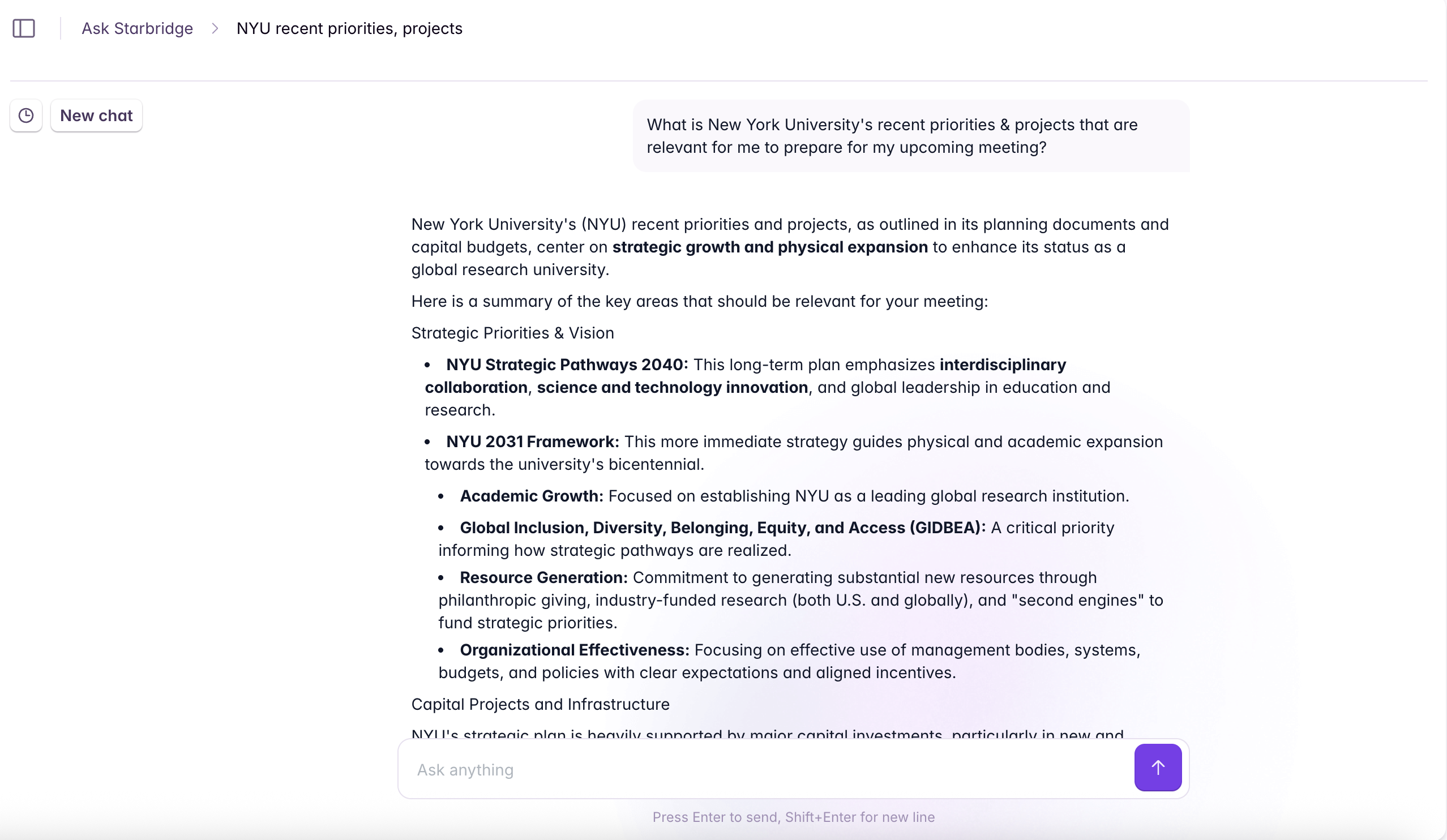
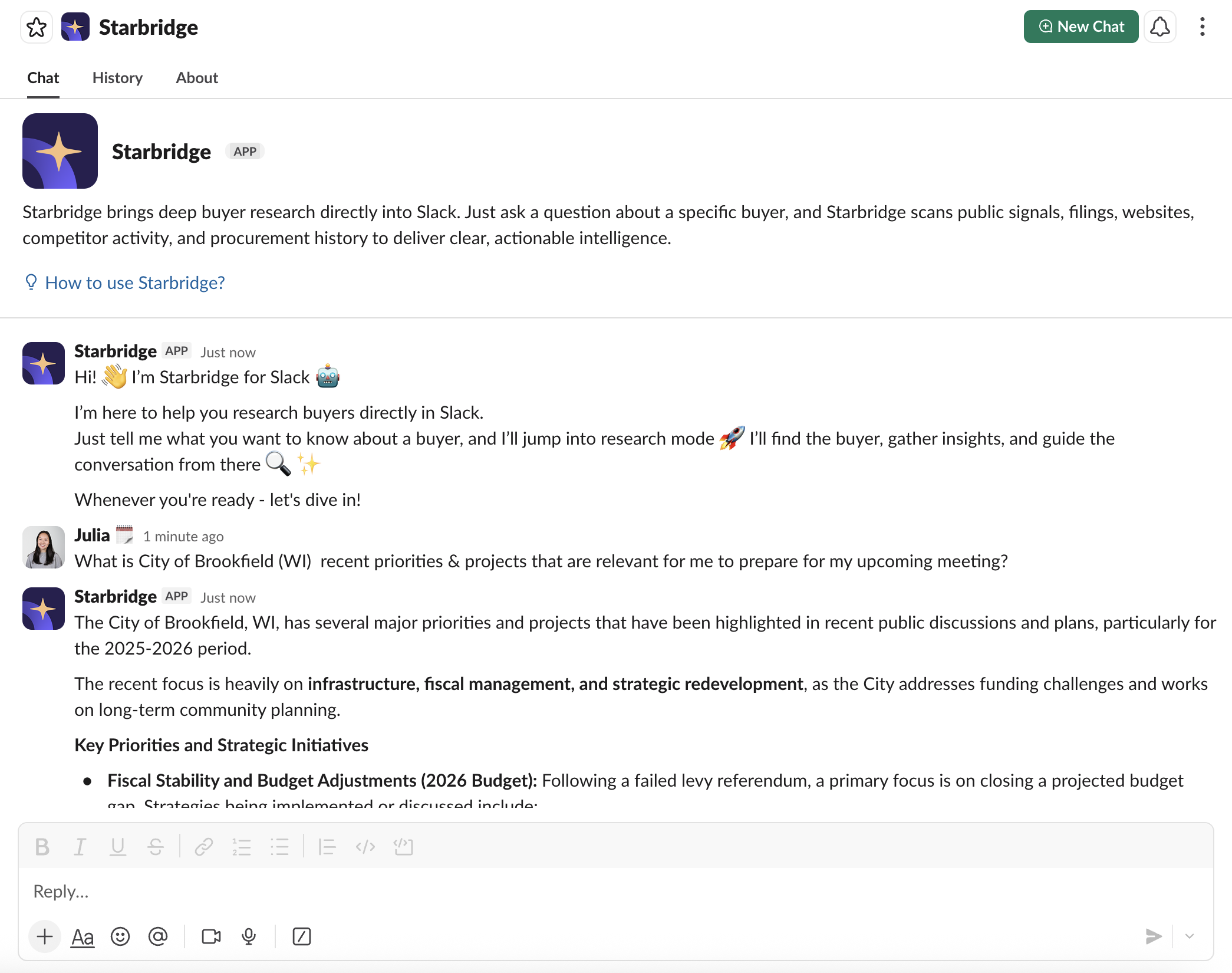
Where to access Ask Starbridge in the Starbridge App
- Ask Starbridge Tab
- My Feed
- Buyer Page
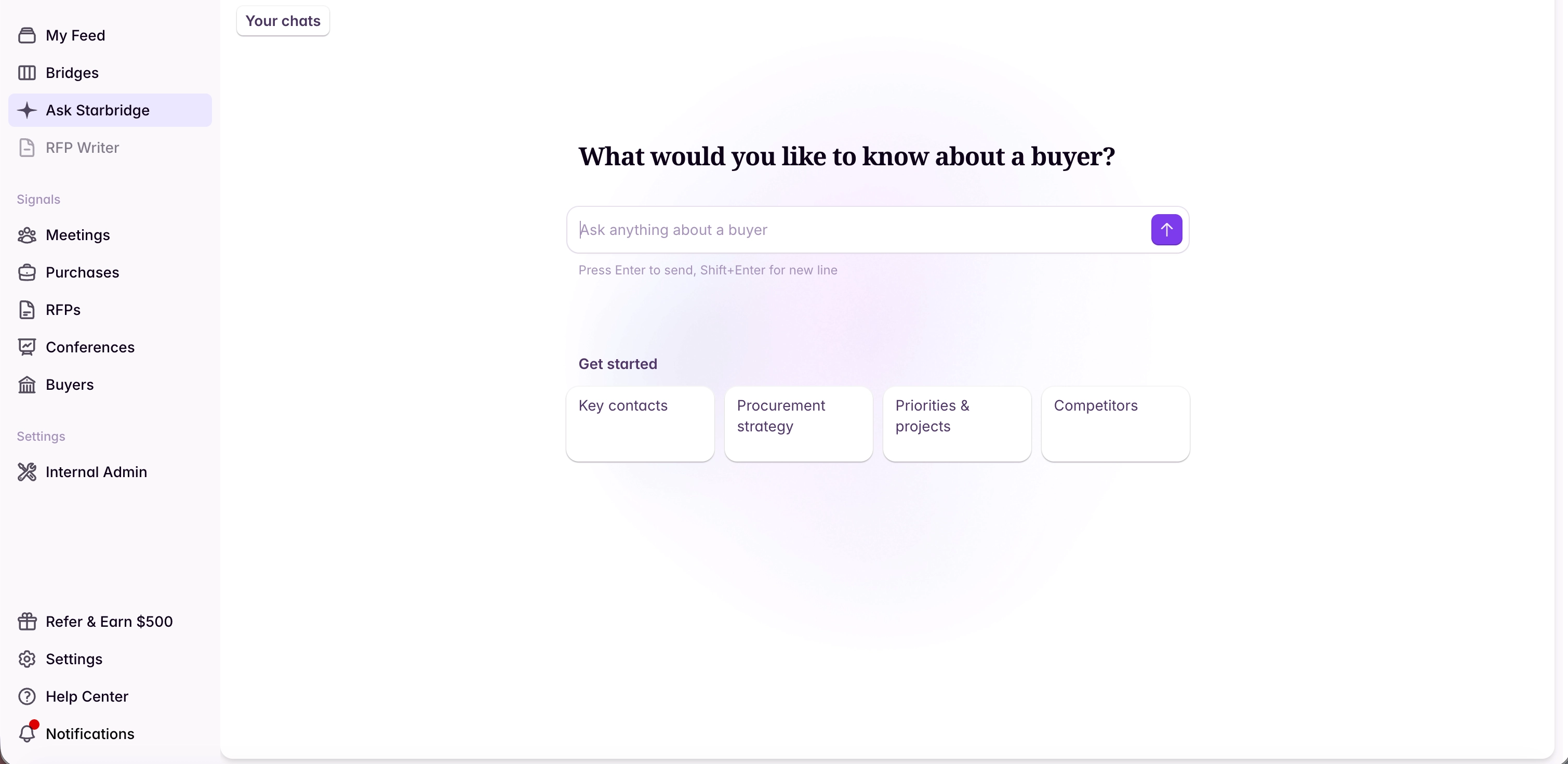
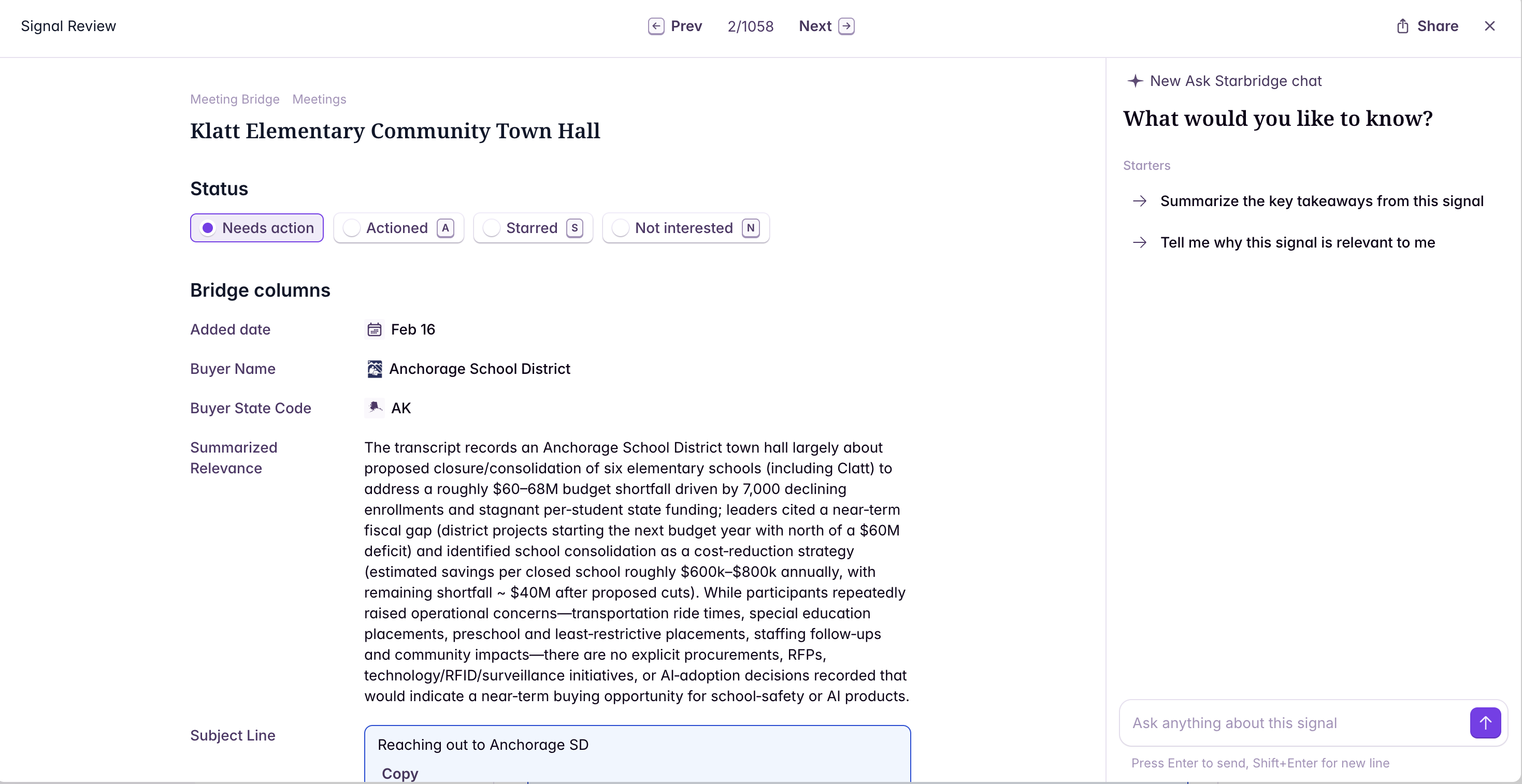
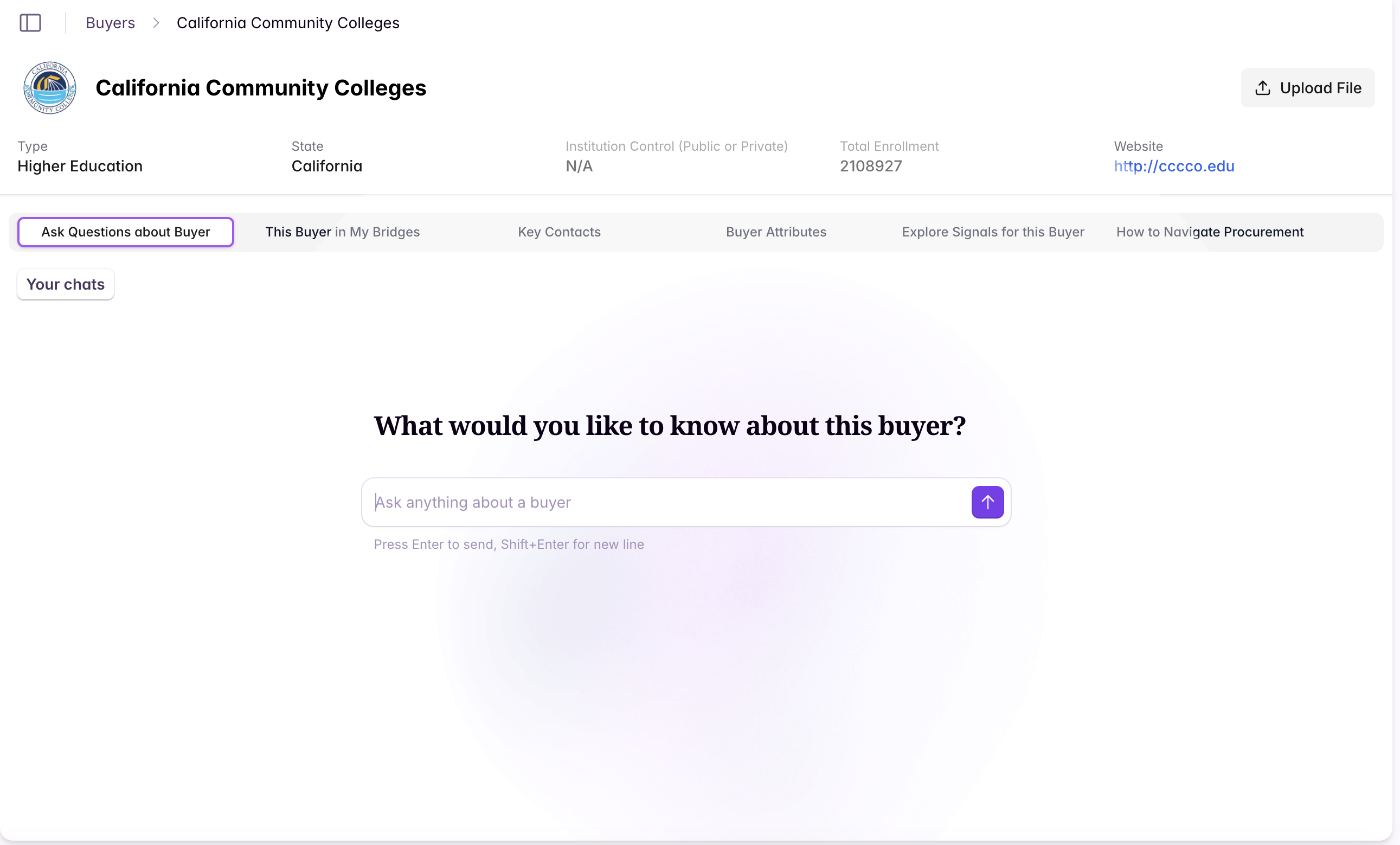
What Ask Starbridge can do
Ask Starbridge can answer questions by combining Starbridge data (meetings, RFPs, purchases, conferences, job changes, and more), your organization context, and Help Center documentation.Ask about buyers
Use Ask Starbridge to quickly understand an account’s context and next steps. Example questions:- “What are the most relevant priorities and projects for [buyer name]?”
- “Who are the key contacts we should reach out to?”
- “Are they using a competitor of mine today? If so, what are the contract terms?”
Ask about signals in your Feed
You can chat with signals directly from your Feed, so you can ask follow-up questions without leaving your workflow. Example questions:- “Summarize this signal and why it matters to my business.”
- “What’s the best outreach angle based on this signal?”
- “What should I look into before reaching out?”
Ask Help Center questions
Ask Starbridge can answer product “how-to” questions and will include Help Center links as sources so you can learn more. Example questions:- “How do I enrich a conference lead list?”
- “How do I build a Bridge for [use case]?”
Reference your previous chats
Your previous chats are all saved in the main “Ask Starbridge” tab so you can go back and reference them.View sources
Responses include source links and explanations so you can do further research if needed.Install Ask Starbridge in Slack (admins only)
See here for instructions on installing Ask Starbridge in Slack.
