

Documentation Index
Fetch the complete documentation index at: https://hc.starbridge.ai/llms.txt
Use this file to discover all available pages before exploring further.
Logging In for the First Time
Initial setup of all users is done by Starbridge during (or right before) kickoff.Get your invite email
To add a user, Starbridge only needs their name and email. Once you’ve been added, you’ll receive an invite email.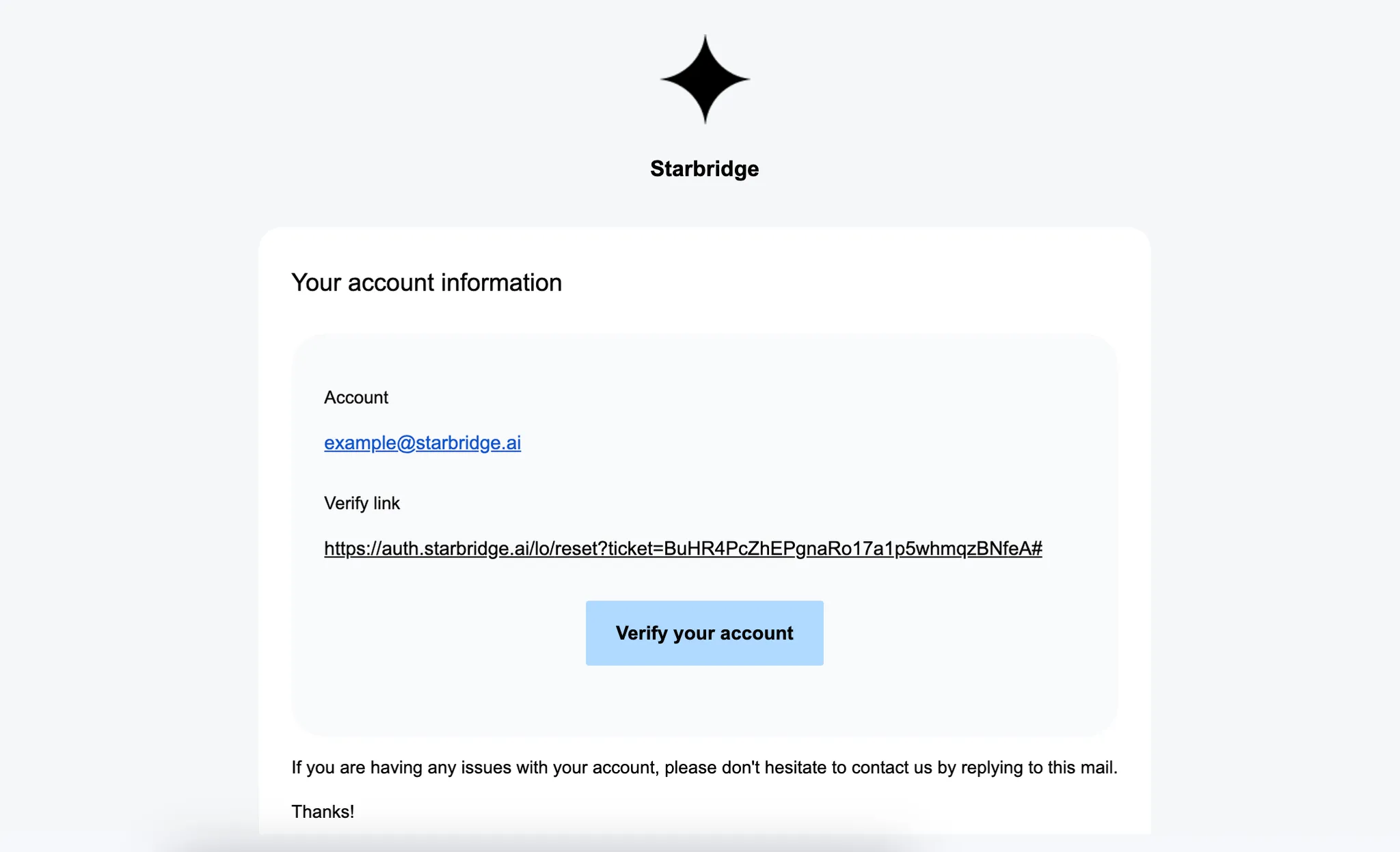
This email may land in spam/junk.
Set up your territory
By default, you likely will already have a territory set. Your Feed should only show leads that are relevant to you. But if you see leads or signals that obviously don’t belong to your territory, navigate to Settings > My Territory to configure a list of buyers - in other words, the territory - you want to focus on.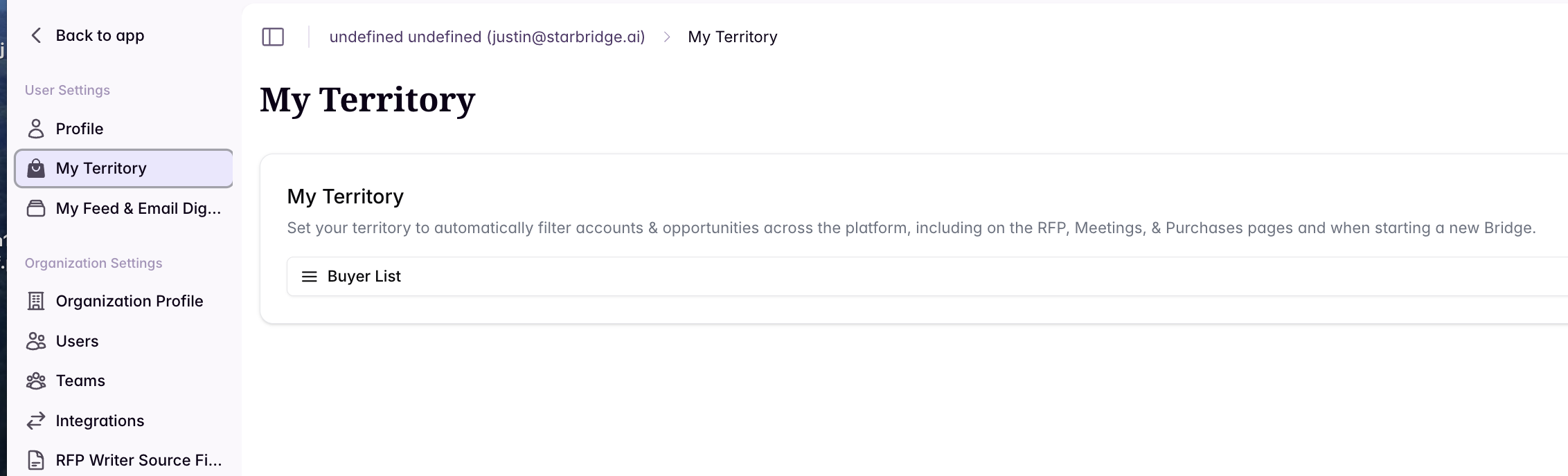
Set your email digest cadence
You can control how often you receive notifications via email digests, removing the need to set up notifications individually for every search. You can set your notification frequency to be daily or weekly.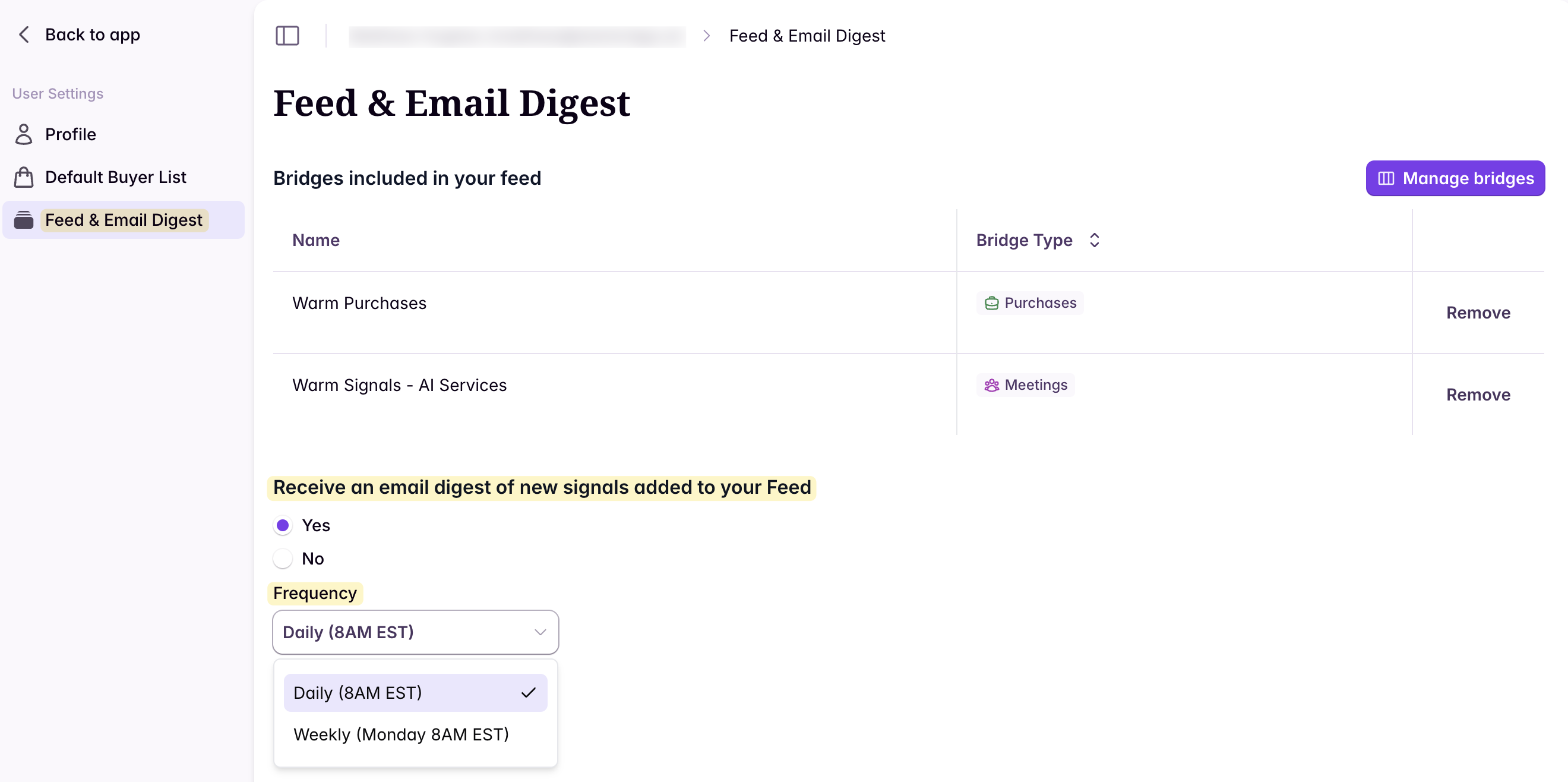
Customize your feed and email digest
Click to read more about customizing Your Feed and Email Digest.My Homefeed
Understand what’s in My Feed and how to customize it.
Email Digest
Configure cadence and troubleshoot email notifications.