

An extremely popular bridge is an account scoring + account enrichment bridge: that unifies all of the unique data in Starbridge with data in your CRM to create a tiering model for what accounts to focus your sales efforts on. For example: many teams split their accounts by Tier 1 = highly manual personalized outreach & cold calls, while Tier 2 and Tier 3 is more bulk AI personalized outreach. You can split this however works best for your team depending on its size: but either way, having a clear sense of “what a good account looks like” and then being able to automate and score how well a given account fits your definition is incredibly valuable. Example: I sell Student Success software to Higher Education. For each account I want to look at the upcoming contract expiration, last instance of an RFP, enrollment size, competitor presence, endowment, ERP system, graduation & retention rate - and then roll that up into a score - while keeping each of the individual fields enriched in my CRM. Example of account scoring framework that you can define in Starbridge.Documentation Index
Fetch the complete documentation index at: https://hc.starbridge.ai/llms.txt
Use this file to discover all available pages before exploring further.
Create a Buyer List of accounts to score
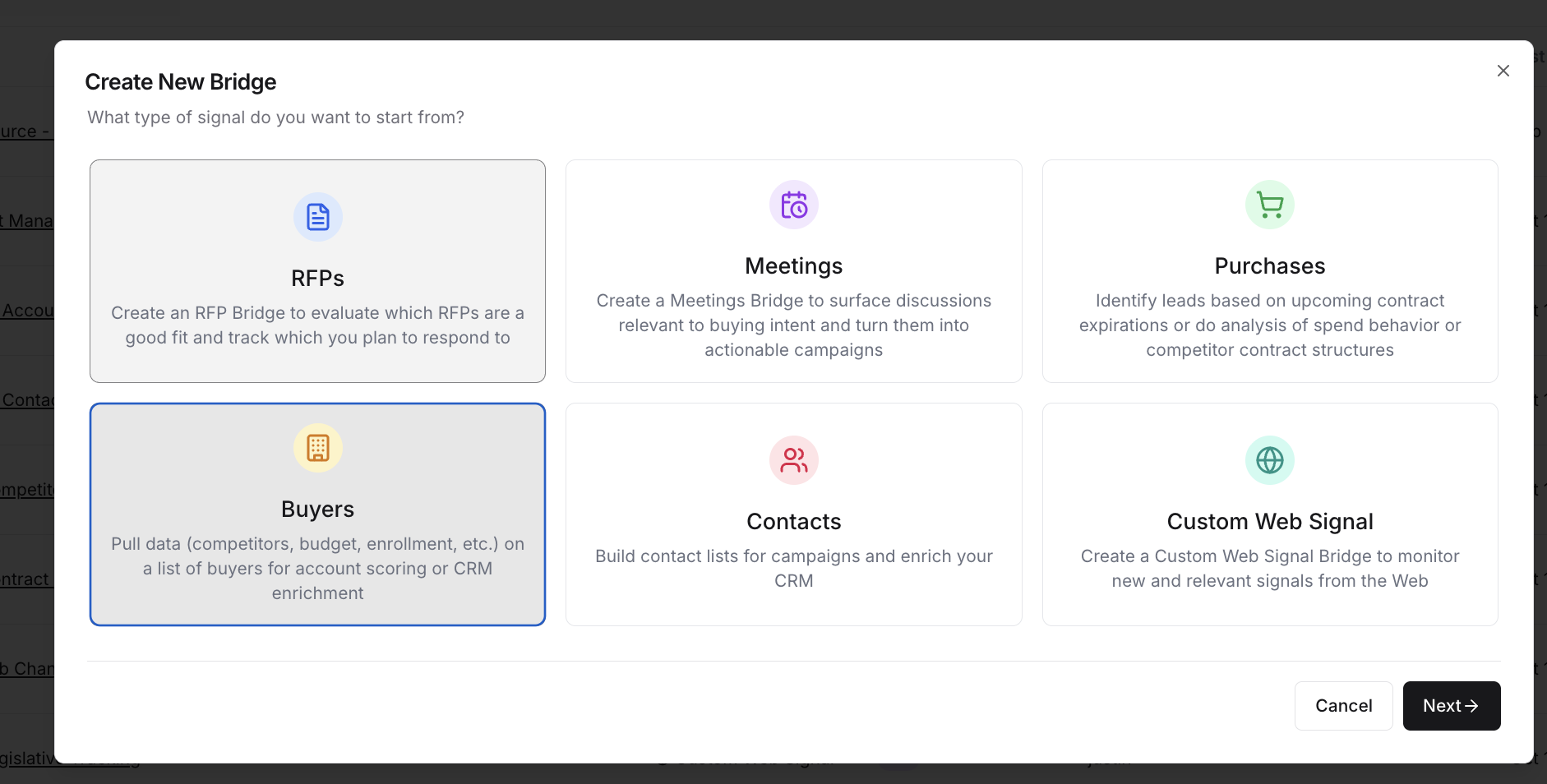
Add the most relevant columns to your Buyer Bridge
For a comprehensive explanation of available columns, see: How to Create a Bridge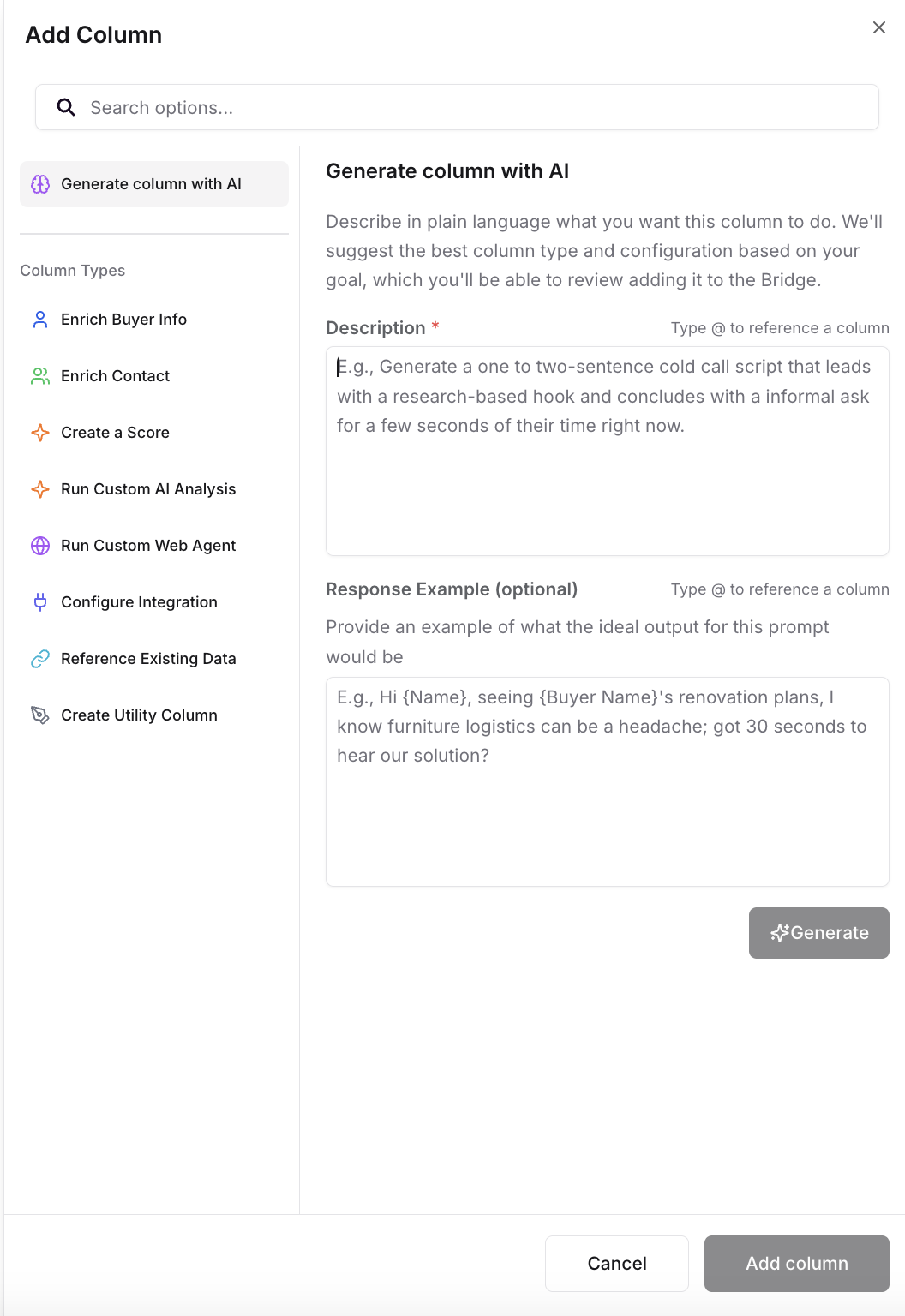
Create a scoring column (using your rubric)
We recommend using the AI column generator to iterate on a scoring definition. The most important thing is to come with a strong point of view on what a “good account” looks like and reflect that in your scoring prompt.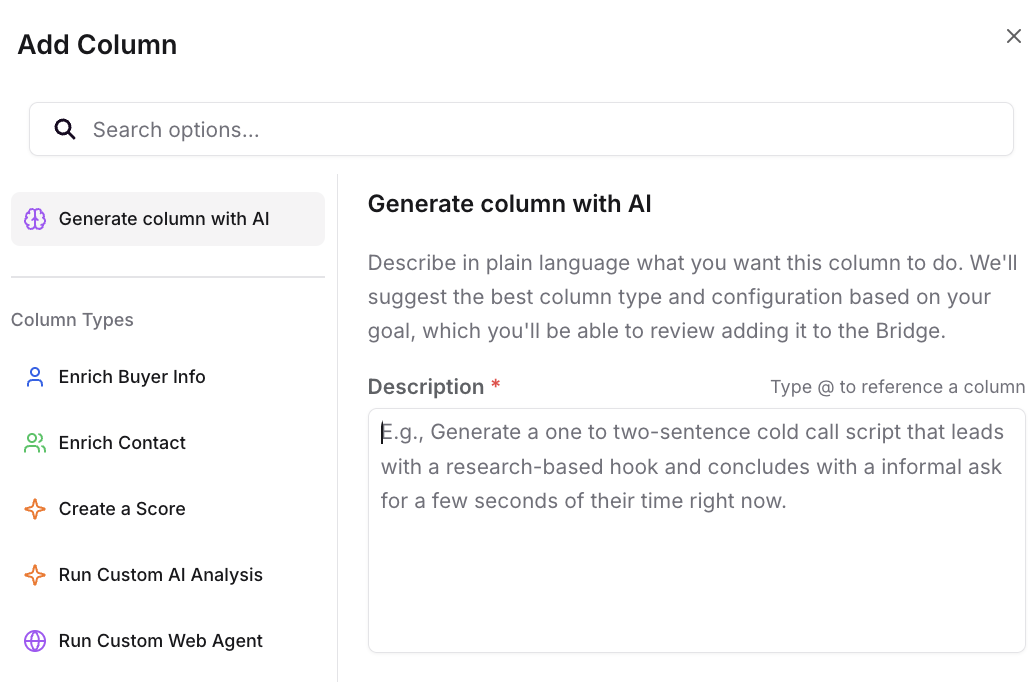
Sync scoring and key fields to your CRM
Sync the scoring field and each individual account field of interest to your CRM:
Syncing to Your CRM (SFDC or Hubspot)
Note: Buyers will not appear in a Consumer’s Feed or Email Digest as signals, but consumers can see buyer bridges that you share with them in the Bridges page.