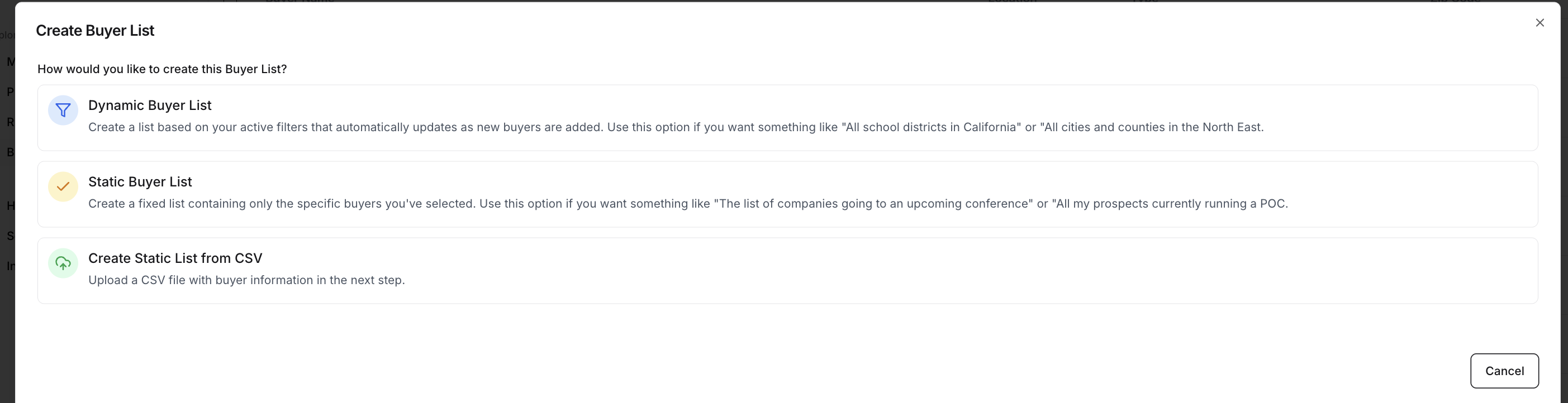
Most teams start with either a Dynamic buyer list (broad segmentation using Starbridge data) or a Static list from CSV (your existing territory/account list).
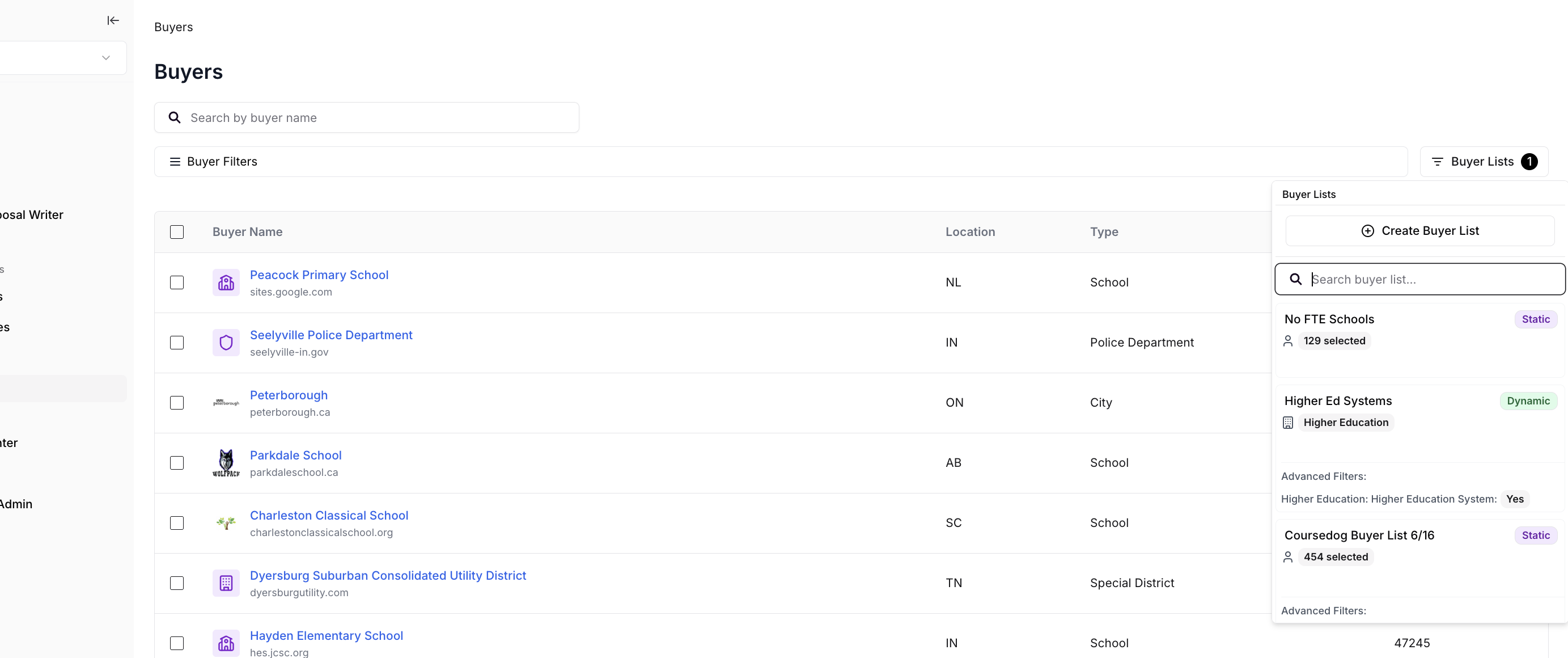
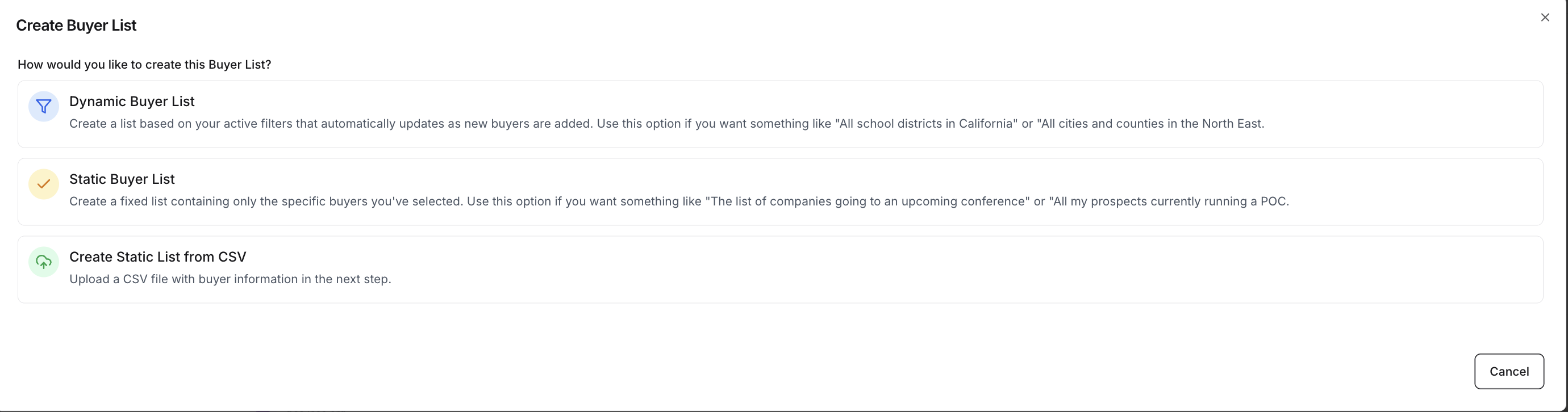
Choose the buyer list type
- Dynamic buyer list
- Custom territories
- Static list from CSV
Use this when you split territories by state, population, enrollment, budget, or other simple groupings—and you want to use Starbridge’s account coverage rather than a list you maintain yourself.This creates a group of buyers in Starbridge that your searches and enrichments look across. Examples: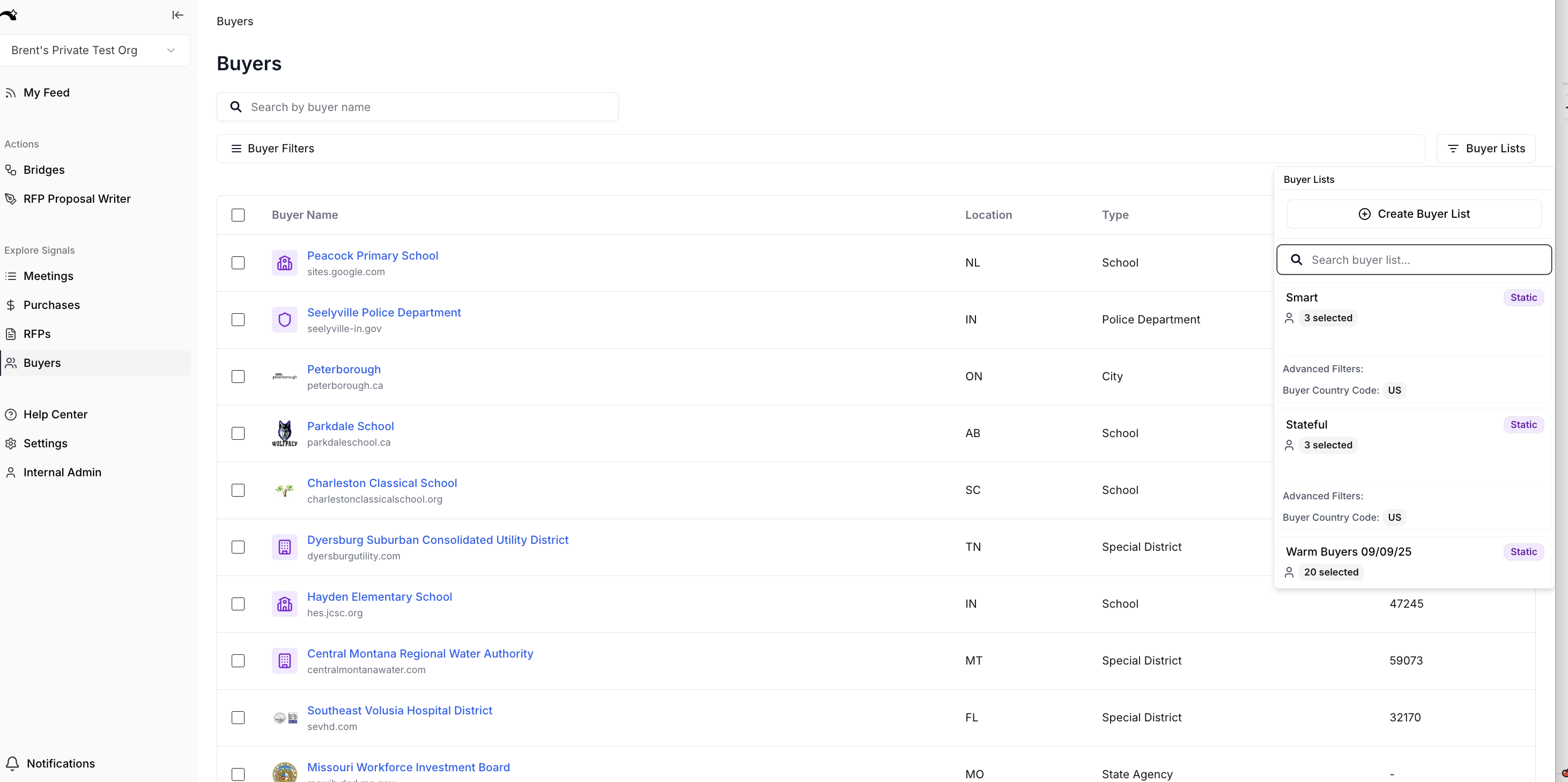
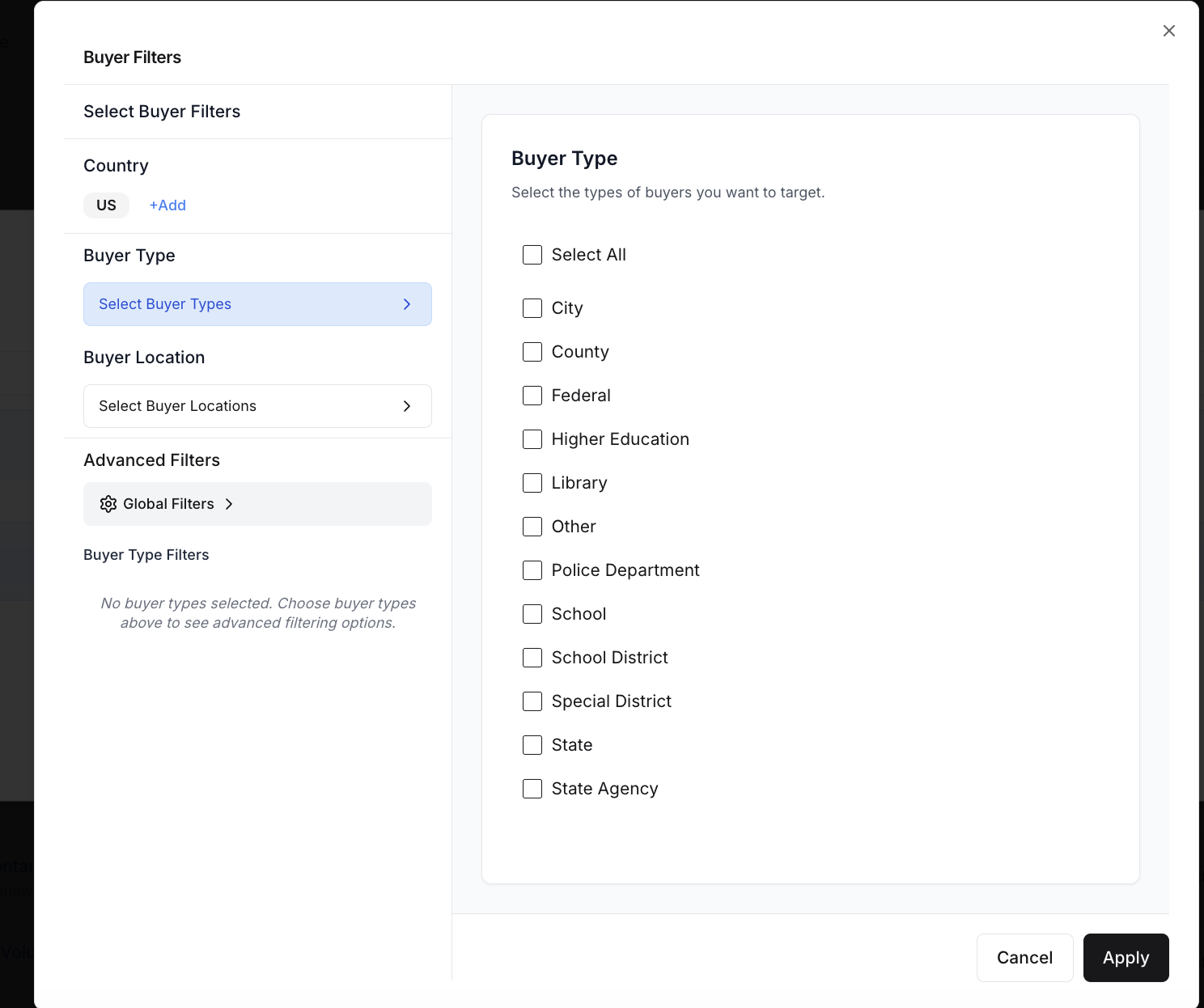
- Universities above 5,000 enrollment
- Cities with budgets above $10M