Documentation Index
Fetch the complete documentation index at: https://hc.starbridge.ai/llms.txt
Use this file to discover all available pages before exploring further.
As a consumer, you can only view and access bridges that have been shared with you by a bridge builder or admin. If you would like access to a bridge, please reach out to a builder/admin.
Exploring bridges:
Once a bridge has been shared with you, there are two places you can view that bridge: My homefeed (which filters all relevant items for bridges for you and turns them into cards). Recommended for quick scrolling and more one-off actions. Inside of the Bridge - recommended if you want to export an entire list, run an email sequence etc. You can enter a bridge by either going to the bridges page or clicking into the underlying bridge in the card in the homefeed.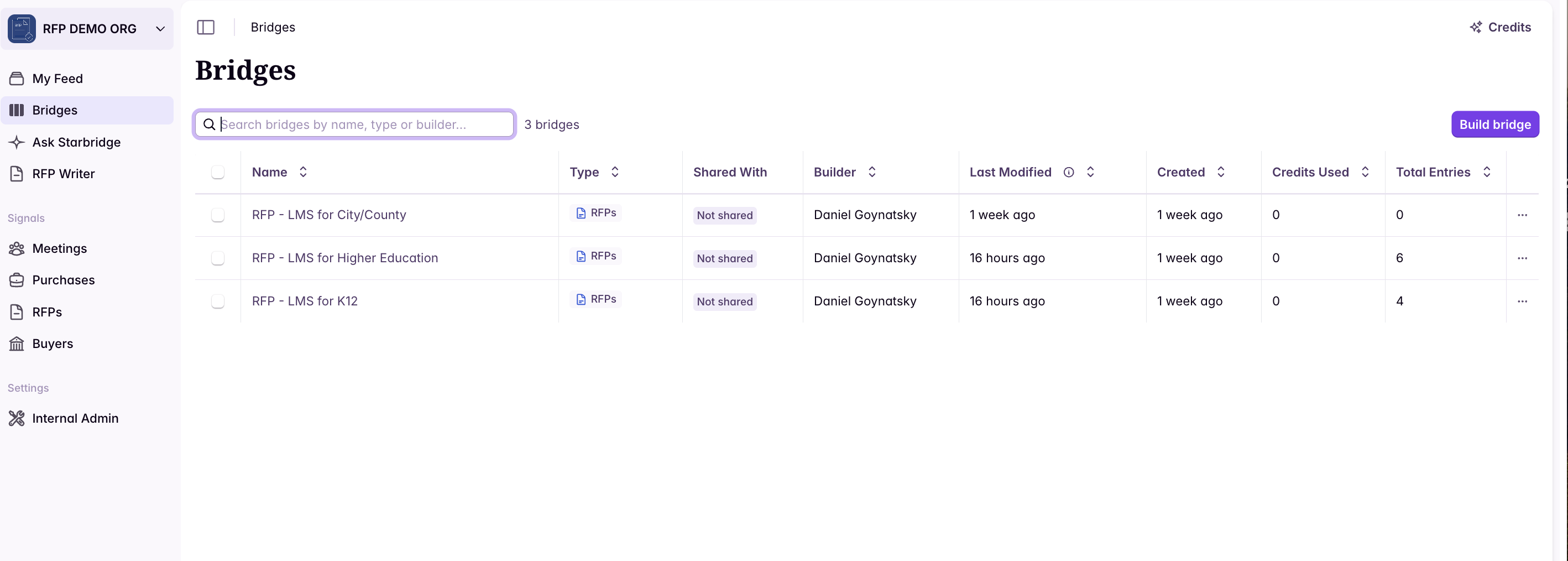

Filter and sort signals
By default, certain information will be populated for each signal based on what your bridge builder has configured. On top of this default configuration, you can filter and sort signals within your bridge by a single or combination of columns.Filter and sort within the Bridges tab
You can filter & sort based on signal status, buyer list and column values, and sort signals based on column data.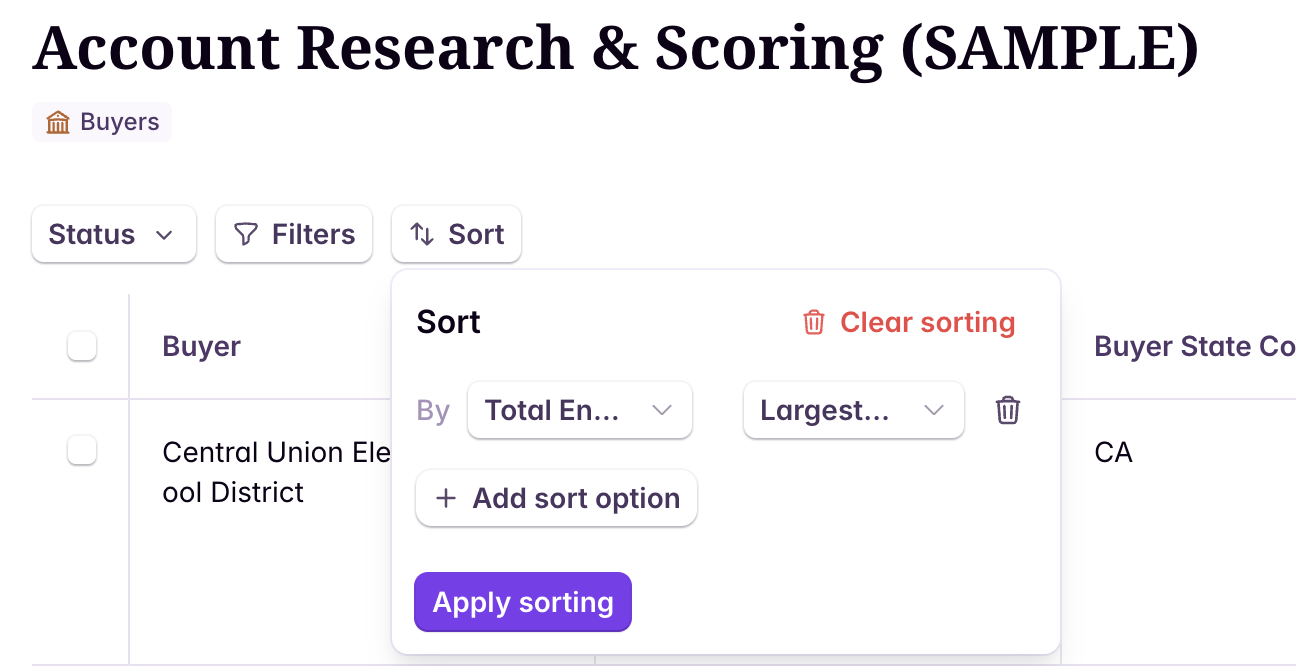
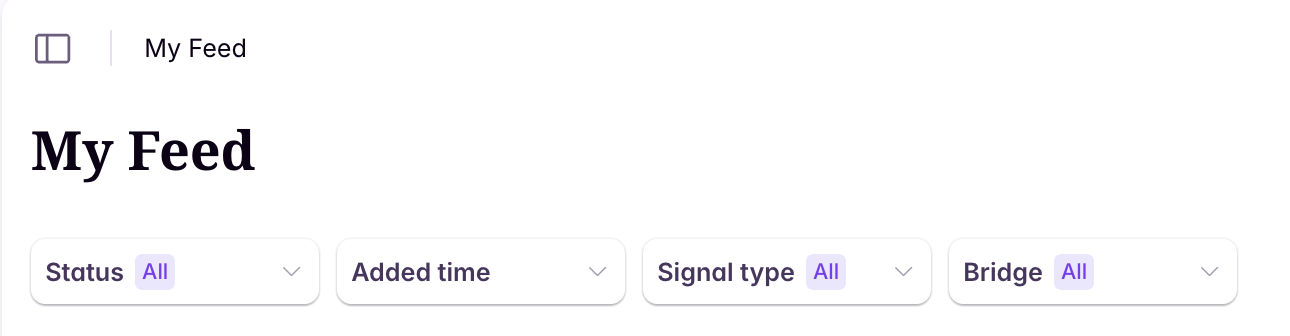
Applying custom filters & sorting only affects your view. It won’t impact anyone else’s bridge view, and it won’t change your email digest.
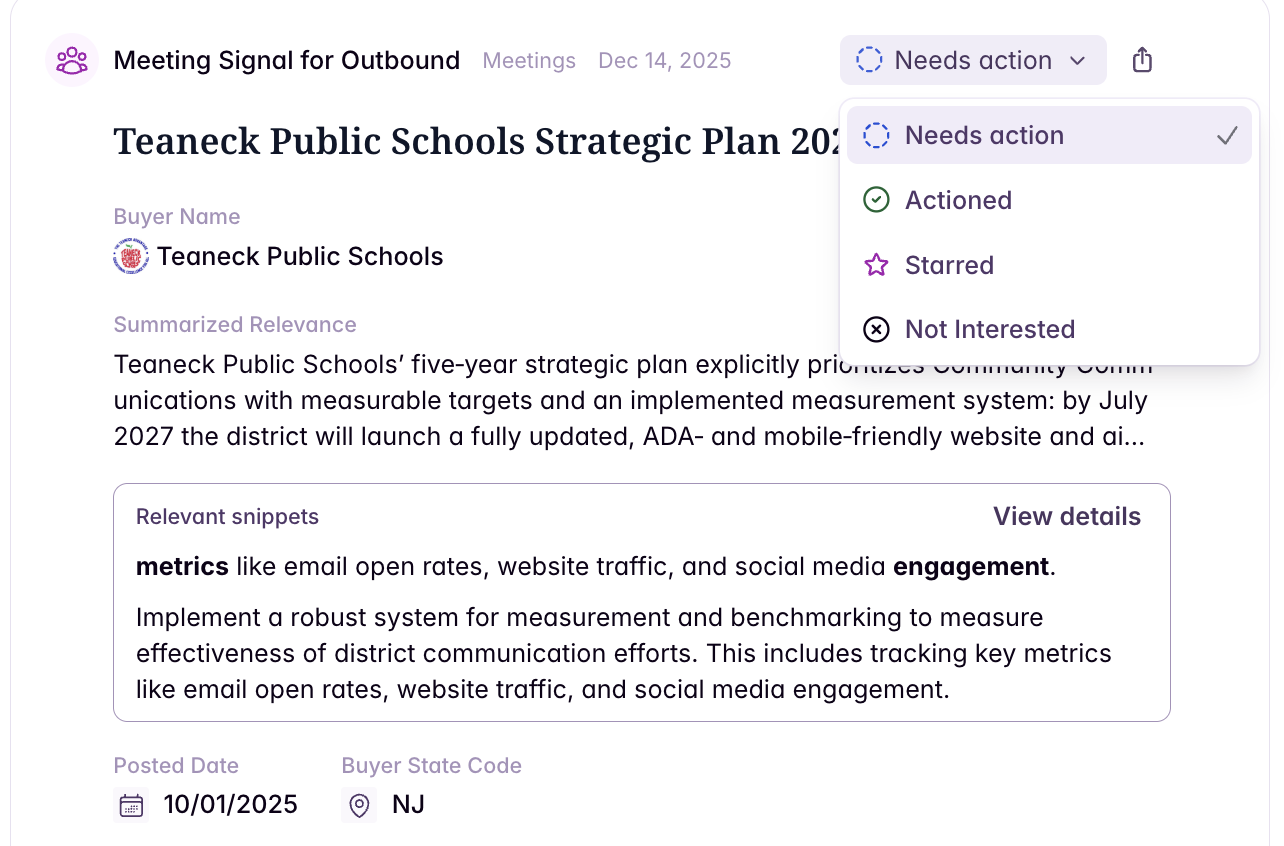
Action signals with statuses
Signal statuses help you organize, prioritize, and take action on signals as they come in. Each signal can be assigned a status to reflect where it is in your workflow, and you can filter your Bridge view by status.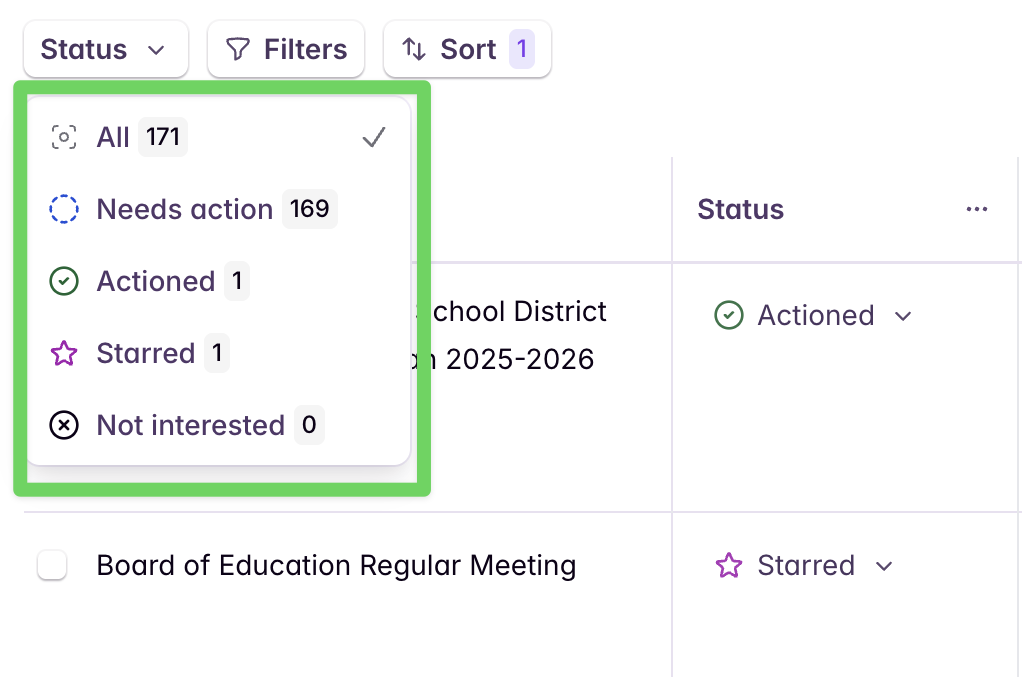
Subscribing to bridges & email digest
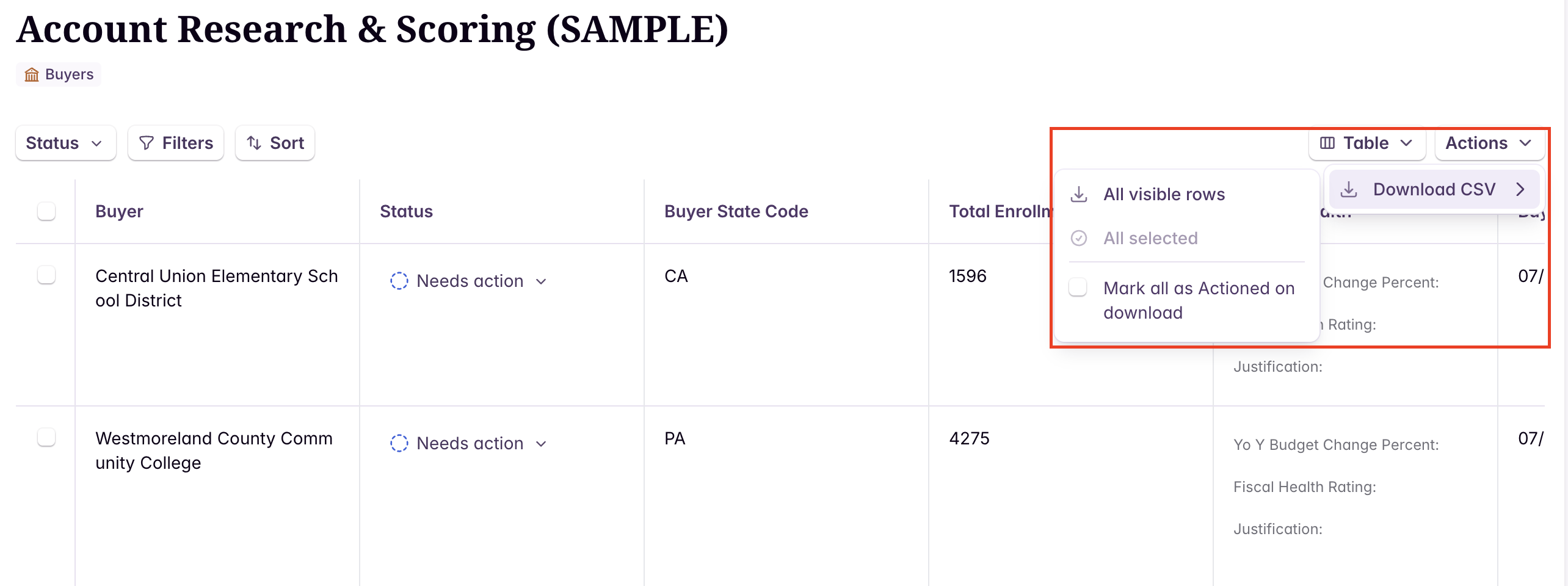
Check that out here.Exporting a bridge
You can export any bridge shared with you as a CSV file to filter, match, or analyze the data externally.