Documentation Index
Fetch the complete documentation index at: https://hc.starbridge.ai/llms.txt
Use this file to discover all available pages before exploring further.
Overview
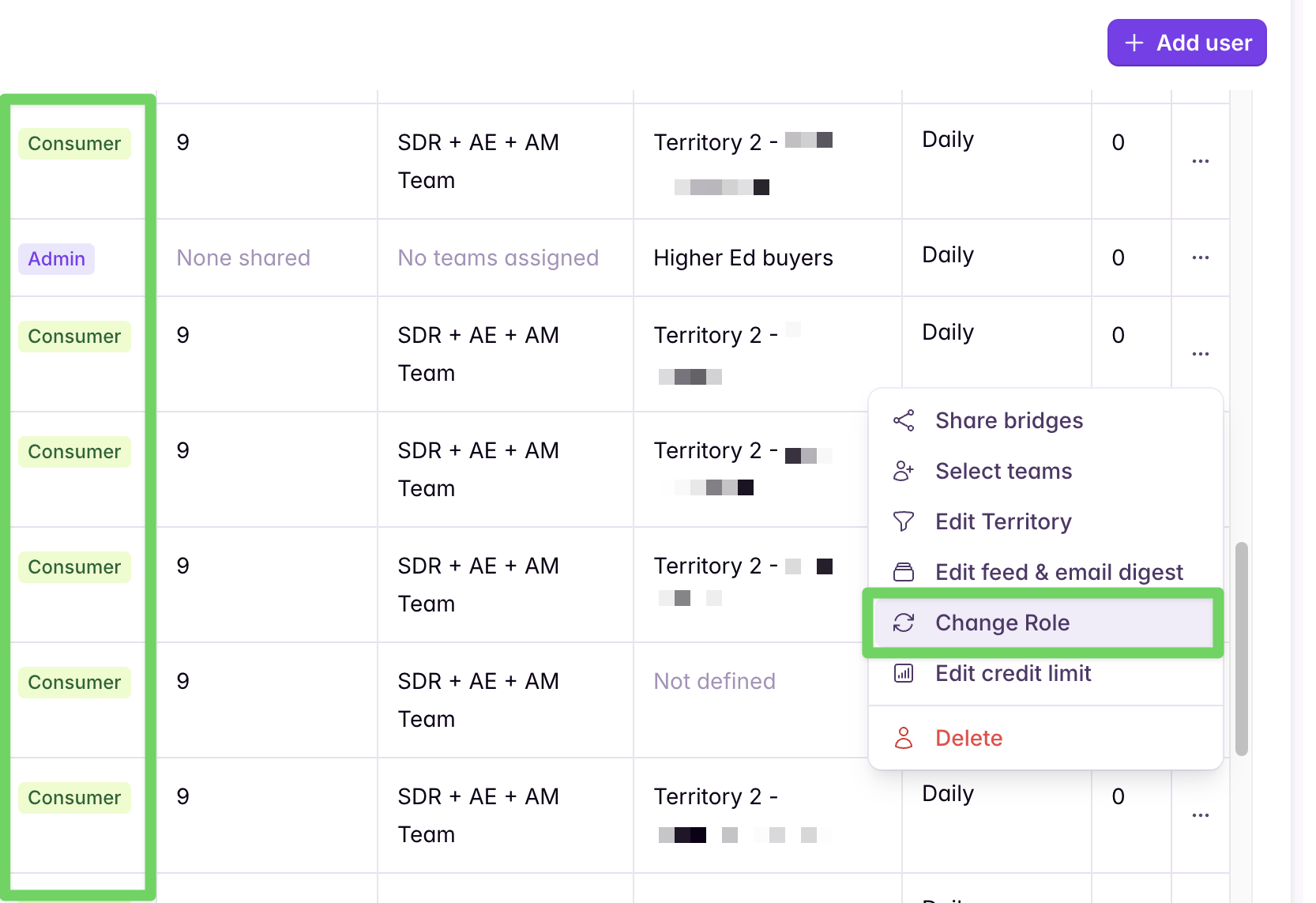
Based on feedback from customers, we have made it easier to put individuals in teams so that you no longer need to subscribe individuals to Bridges to receive notifications, but rather can subscribe the entire team. These changes are part of our most recent redesign focused on improving the experience for people who are primarily consuming and actioning signals day to day. You can learn more about the changes in our release notes. With this change, everyone in Starbridge will automatically be added as a Builder. Builders are the people who can make changes to Bridges, add new columns, delete old Bridges, etc. However, we strongly recommend updating non-building users in Starbridge to be Consumers and assigning them to teams to make subscribing to Bridges super simple and scalable. By building teams, you ensure users only ever see the Bridges most relevant to them, their work, and their priorities. Instead of subscribing individuals one-by-one to each relevant Bridge, you can subscribe an entire team—more efficient, scalable, and intuitive.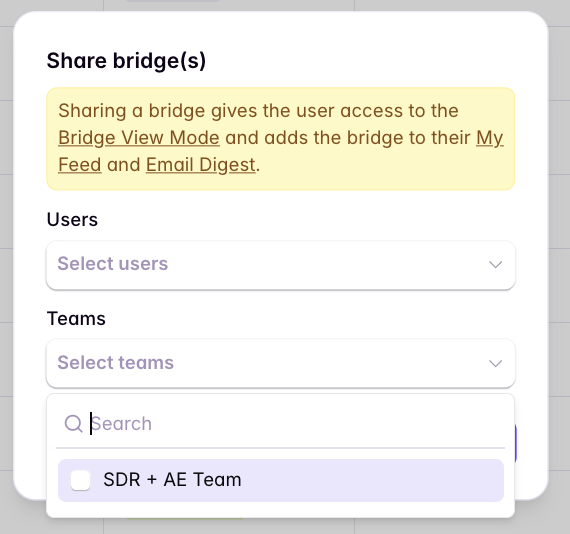
Choose your team setup
Pick the pattern that matches how segmented your sales org is today. You can start simple and evolve into a more segmented model later.- Small teams (everyone sees the same Bridges)
- Large / segmented teams (different groups see different Bridges)
“Small” means pretty much everyone in your organization (or all users in Starbridge) should be able to view the same Bridges.
Create one team for your org
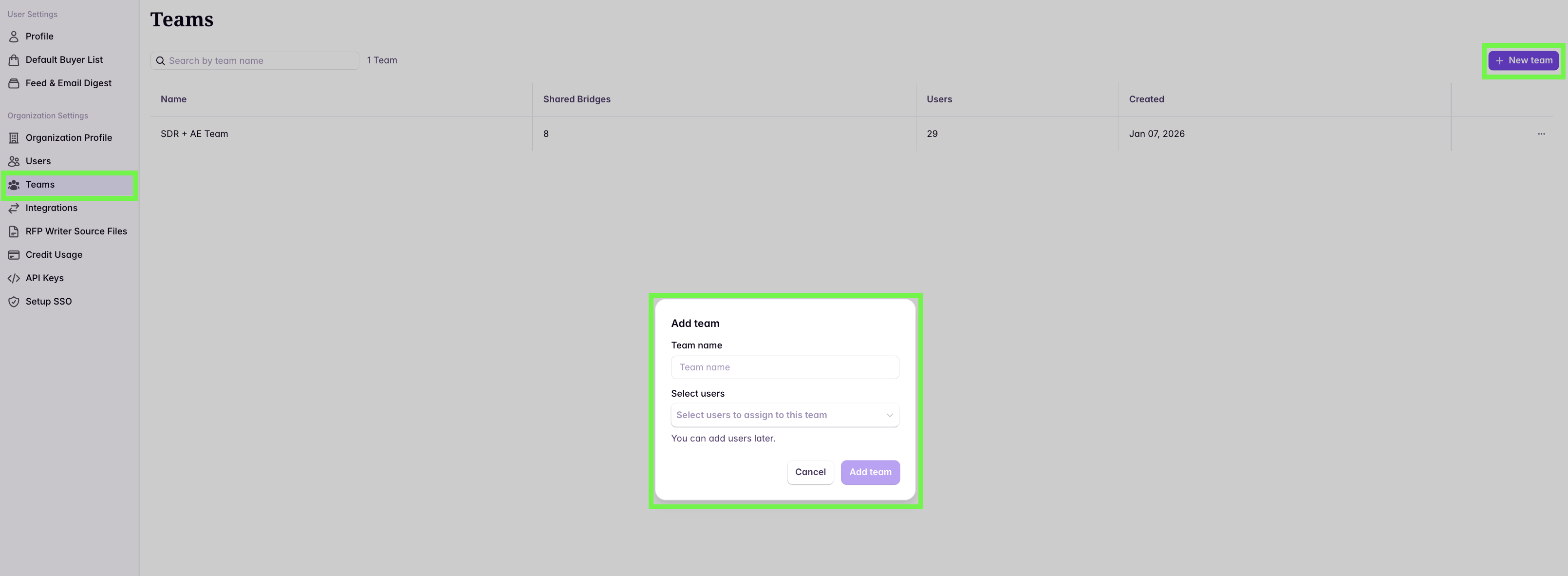
Create a single team (e.g., “COMPANY NAME”) and plan to share your Bridges with that team.
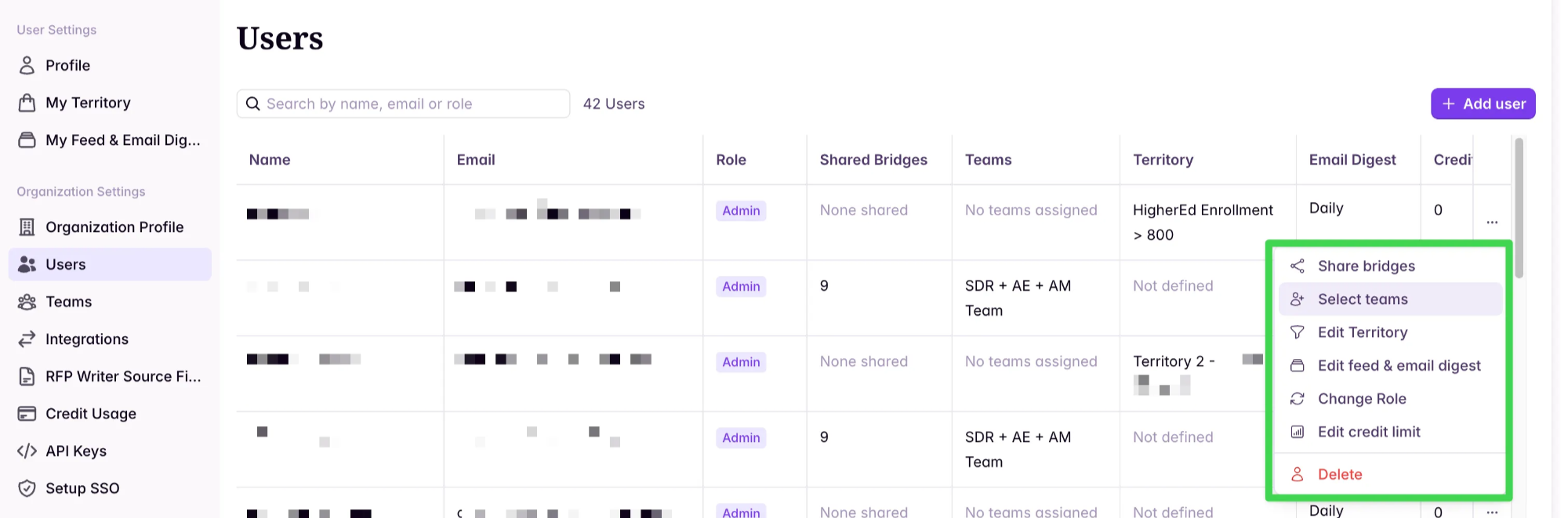
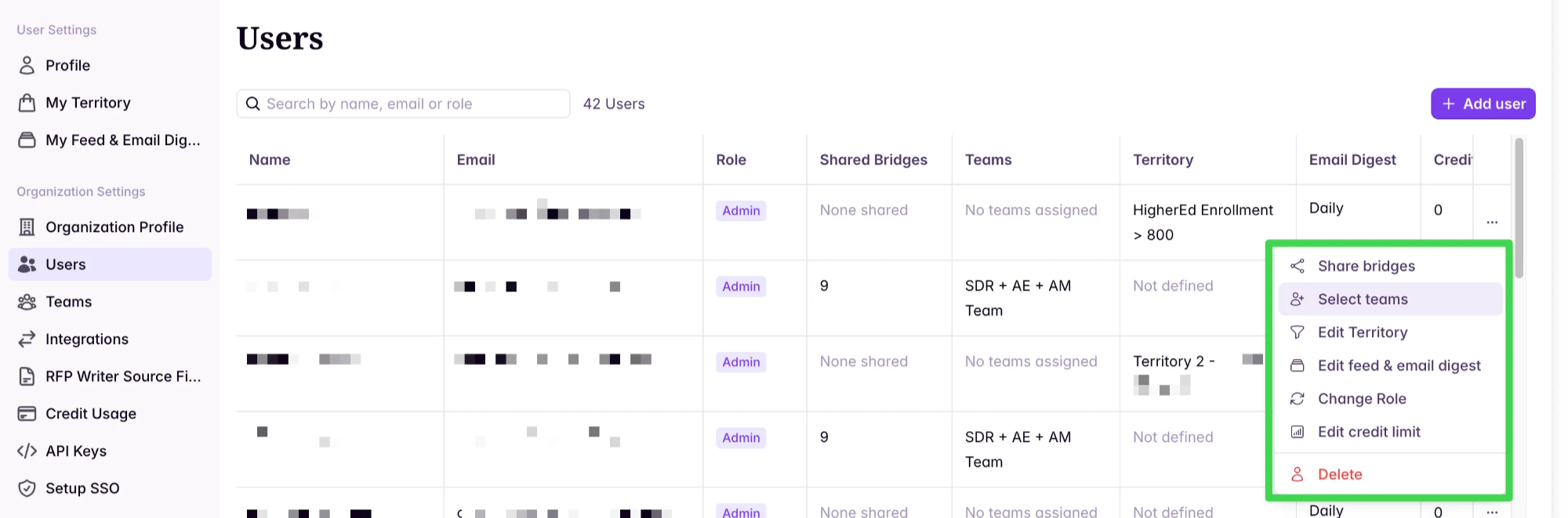
Add users to the team (bulk or manual)
Bulk assign users using multi-select: